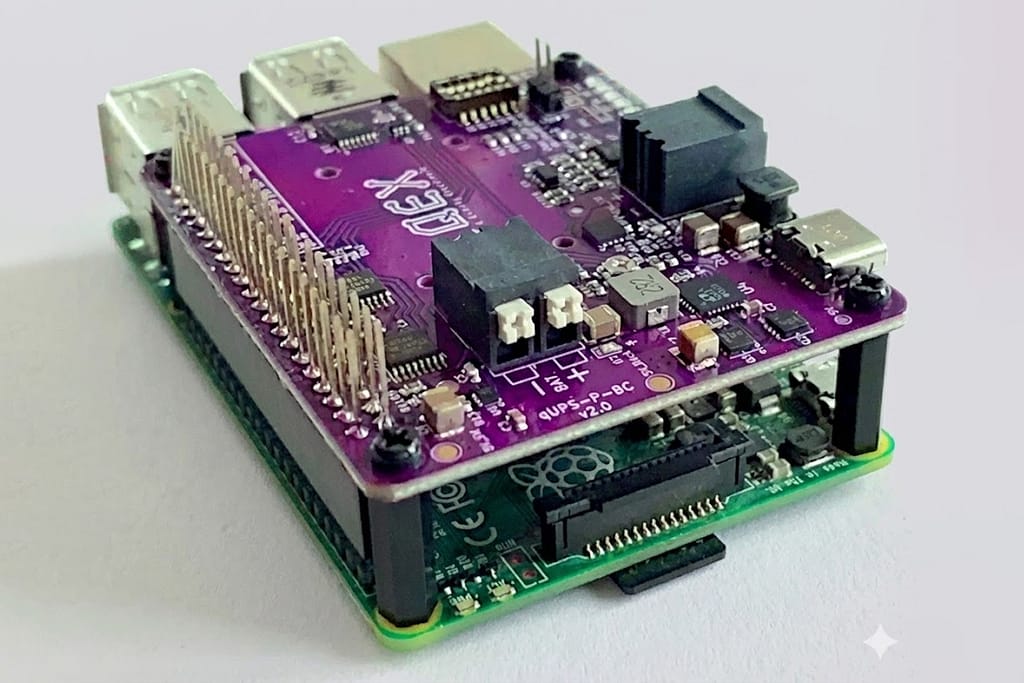
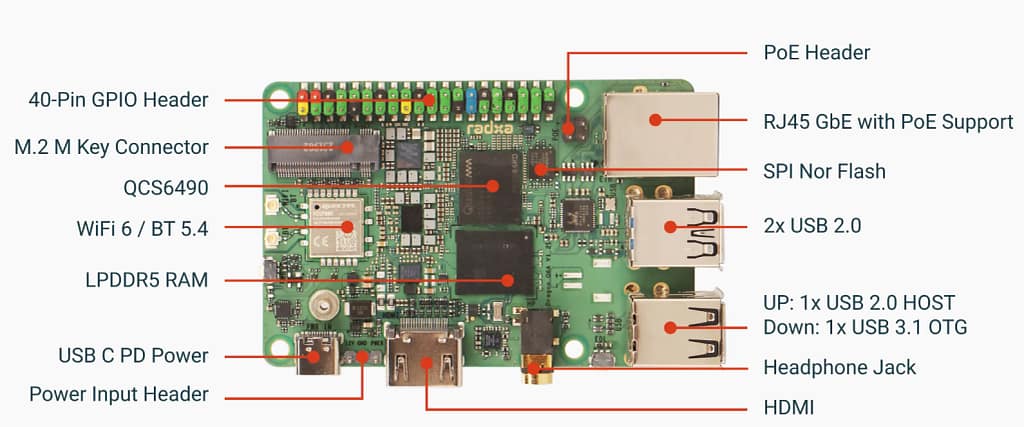
The Raspberry Pi CM0 is designed as an ultra-compact, low-power compute module targeting makers and embedded developers in the Chinese market. Its stamp-hole (castellated) form factor allows seamless integration into custom carrier boards, making it ideal for DIY hardware projects, AIoT edge devices, and minimalist smart gadgets.
Compared with compute modules that rely on industrial DIMM connectors, the CM0 offers a much lower integration barrier, enabling hobbyists and small teams to build highly compact systems without investing in complex hardware design. At its price point, the module delivers excellent flexibility, competitive performance, and strong ecosystem compatibility.
Design and Hardware Overview
Physical Layout
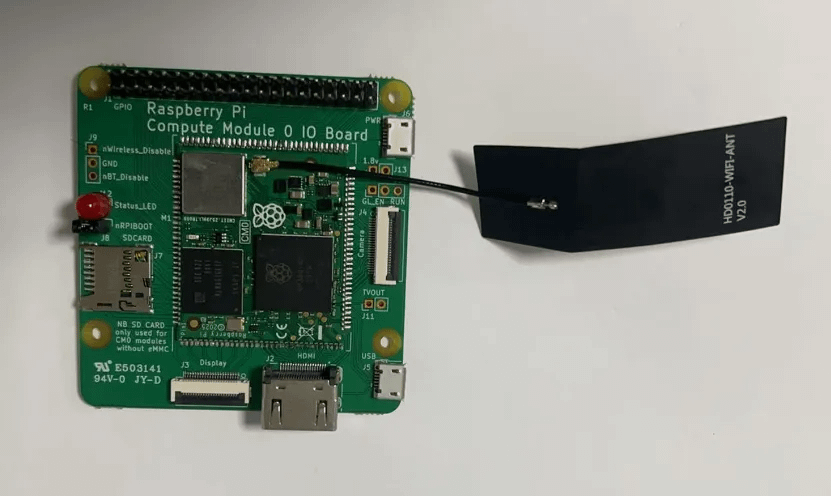
The CM0 features a tightly packed stamp-hole layout with a footprint even smaller than the Raspberry Pi Zero 2 W. The board includes:
- IPX antenna connector
- microSD (TF) card slot
- Standard HDMI port
- Micro-USB port with OTG support
- STATUS_LED pads that can be driven through GPIO (requires referencing the official pinout for proper configuration)
When paired with a custom enclosure—such as a 3D-printed “mini Mac mini” case—the module offers both aesthetic appeal and practical usability.

| Category | Specification |
|---|---|
| Core Chip | RP3A0-AU module integrating Broadcom BCM2710A1 |
| CPU | Quad-core ARM Cortex-A53 @ 1.0 GHz |
| GPU | Broadcom VideoCore IV, OpenGL ES 1.1/2.0 Support |
| Memory | 512 MB LPDDR2 |
| Storage | Optional 8 GB eMMC; non-eMMC variants use microSD |
| Video Decode | H.264 / MPEG-4, up to 1080p30 |
| Video Encode | H.264, up to 1080p30 |
| Interfaces | Micro-USB (OTG), HDMI, microSD (TF), IPX antenna, GPIO pads |
| Wireless | Wi-Fi support via external antenna (IPX) |
Interface Highlights
- Micro-USB (OTG)
While micro-USB is an older connector, its low BOM cost and wide accessory compatibility match the CM0’s cost-effective positioning. OTG support is officially documented and can be enabled using dwc2 overlays. - HDMI Output
The standard full-size HDMI port delivers stable 1080p30 video output, suitable for kiosks, signage displays, and lightweight media applications. - GPIO Expansion
The exposed GPIO pads support external audio amplifiers, PCA9685 servo driver boards, USB cameras, and various sensors, offering expansion capabilities comparable to full-size Raspberry Pi boards.
The CM0’s compact design and low power draw make it suitable for a broad set of embedded and maker applications:
AIoT Edge Nodes
- Deploy lightweight Home Assistant for smart home control
- Run Mosquitto (MQTT) as a small-scale IoT communication hub
Computer Vision Prototyping
- Implement basic motion detection or facial recognition with OpenCV
- Use a USB UVC camera for low-cost surveillance projects
Mini Multimedia Devices
- Combine a 3.5-inch touch display + amplifier to build a portable media player
- Use as a video receiver or lightweight streaming endpoint
Industrial Control Prototypes
- Integrate sensors and actuators through GPIO
- Build simple environmental monitoring nodes or smart control panels
Remote Access Host
- Paired with Xreal One Pro or similar AR glasses, the CM0 can act as an ultra-portable jump host for remote server administration
System Flashing and Initialization
Preparation
- Raspberry Pi host device (or Windows with usbboot installed)
- Micro-USB cable
- Jumper cap
- CM0 board
- Recommended image: Raspberry Pi OS (Raspbian) Trixie Arm64 Lite

Flashing eMMC Version (Example Workflow)
(1) Connect Boot Pins
Bridge the nRPIBOOT pin to GND to disable eMMC boot.
(2) Install usbboot on a Raspberry Pi Host
sudo apt update && sudo apt upgrade -y sudo apt install vim git build-essential libusb-1.0-0-dev pkg-config git clone https://github.com/raspberrypi/usbboot/ cd usbboot && make && sudo make install

(3) Connect CM0 via Micro-USB
No external power is needed.
Run:
sudo rpiboot
The eMMC will appear as a block device.
(4) Flash the System Image
Example:
xz -d 2025-10-01-raspios-trixie-arm64-lite.img.xz sudo dd if=./2025-10-01-raspios-trixie-arm64-lite.img of=/dev/sda bs=4M status=progress
After flashing, remove the jumper, connect peripherals, and complete the initial setup.
Recommended System Optimizations
Wi-Fi Setup
wpa_passphrase "SSID" "password" | sudo tee -a /etc/wpa_supplicant/wpa_supplicant.conf
Clean Up Unnecessary Packages
sudo apt remove libreoffice* -y && sudo apt autoremove -y
Create a Virtual Environment for OpenCV
sudo apt install virtualenv virtualenv cv_env && source cv_env/bin/activate pip install opencv-python
Practical Testing and Performance Results
Basic Performance
- Boot Time: ~25 seconds with desktop; Lite version boots faster
- Thermals: Stable under full load; no active cooling required
- Wi-Fi: Stable signal when using an external IPX antenna
Feature Tests
Facial Recognition
OpenCV-based face detection runs at approximately 0.0026 FPS, suitable only for low-real-time applications.
Deep learning models (e.g., YOLOvX/YOLO11 series) exceed CM0’s compute capacity.
Video Streaming
Tests with Nginx + RTMP occasionally caused system freezes.
Recommendation:
→ Use CM0 primarily as a receiver endpoint, or adopt lighter streaming protocols.
Peripheral Support
- 3.5-inch SPI touch displays
- UVC USB webcams
- PCA9685 servo modules
All tested devices functioned correctly; GPIO latency remained low.
Conclusion and Outlook
The Raspberry Pi CM0 embodies the core strengths of the Raspberry Pi ecosystem in an extremely compact package—small form factor, low power consumption, and excellent cost efficiency. Its stamp-hole design enables fully customized carrier boards, while its interface flexibility makes it suitable for a variety of embedded scenarios.
Although limited for high-performance deep learning workloads, the CM0 excels in AIoT edge computing, compact multimedia systems, portable control platforms, and DIY electronics.
Promising project directions include:
- Quadruped or spider robots using PCA9685
- Intelligent security gateways
- Portable programming terminals
- Miniature personal servers or remote jump hosts
For developers seeking portability and versatility, the CM0 is not just a tool—it’s an accessible entry point into the broader world of embedded systems and IoT innovation.